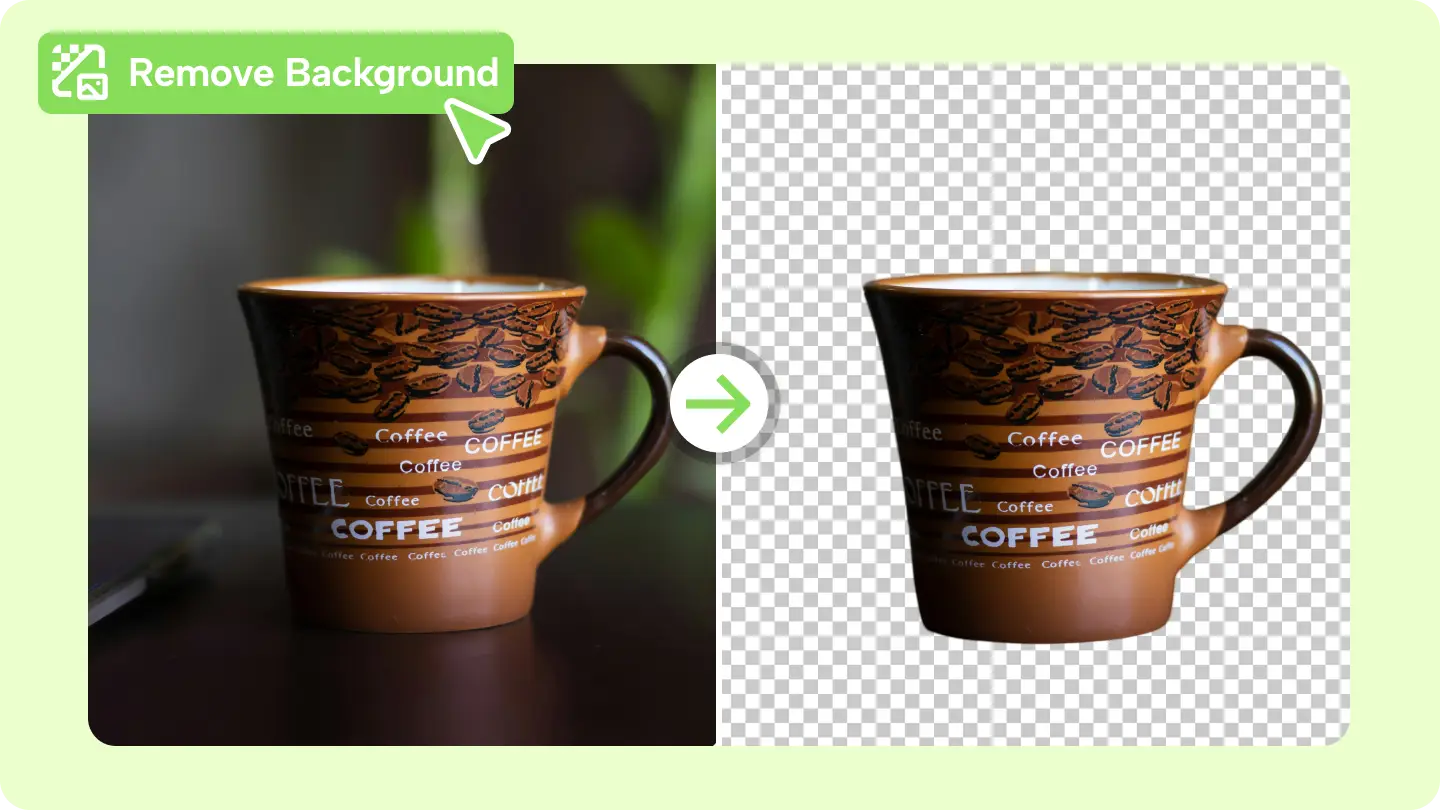
Have you ever taken a near-perfect photo, only to realize the background is ruining the entire vibe? Whether it’s an unwanted object, a messy room, or a distracting scene, a cluttered background can steal the spotlight from your subject. Thankfully, background removal is the answer—and it’s easier than you might think.
In this guide, we’ll show you exactly how to remove background from photos, turning any image into a professional, polished masterpiece.
The Problem: Why Backgrounds Often Ruin Great Photos
A photo is only as good as its composition, and a messy background can:
- Shift focus away from the subject.
- Make images look unprofessional for e-commerce or branding purposes.
- Clash with the intended aesthetic for creative projects.
For business owners, marketers, or even casual content creators, the inability to fix these issues can mean lost opportunities and lower engagement.
The Solution: Removing Backgrounds with CapCut Commerce Pro
CapCut Commerce Pro is a game-changer for anyone looking to remove backgrounds quickly and with precision. Its AI-powered technology eliminates the need for complicated software or technical skills, giving you the ability to transform photos in minutes.
What makes CapCut Commerce Pro stand out?
- Automatic Background Removal: The tool detects and isolates your subject instantly.
- No Compromises on Quality: High-resolution outputs retain all the details of your original image.
- User-Friendly Interface: Suitable for everyone, from beginners to professionals.
How It Works: A Simple 3-Step Process
Fixing cluttered photos has never been easier. Follow these detailed steps to remove backgrounds with CapCut Commerce Pro:
Step 1: Upload Your Photo
Begin by selecting the image you want to edit and uploading it to CapCut Commerce Pro’s background removal tool. The platform’s intuitive interface ensures a smooth start, and the tool is designed to handle various image formats effortlessly.
Step 2: Let the AI Process Your Image
Once uploaded, the tool’s advanced AI technology analyzes the photo and isolates the subject with precision. It removes the background while maintaining intricate details such as soft edges, hair strands, or transparent areas, ensuring a professional finish.
Step 3: Download the Edited Image
After reviewing the results, save the edited image in PNG format to preserve transparency and quality. The high-resolution output is ready for use in marketing materials, e-commerce listings, or creative projects.
The Transformation: What You Can Do with Clean Photos
Here’s how a background-free image can completely change your visuals:
- Product Images: E-commerce platforms require clean visuals for maximum appeal and trustworthiness.
- Social Media Graphics: A transparent background lets you place your subject in dynamic settings to create standout posts.
- Creative Projects: From invitations to personalized gifts, clean photos bring creative ideas to life.
By removing distractions, you allow the subject of your photo to truly shine.
Real-Life Impact: A Quick Case Example
Before: A fashion boutique struggled with inconsistent product photos, with busy backgrounds that clashed with their branding.
After: Using CapCut Commerce Pro, they removed backgrounds, creating cohesive, professional visuals that boosted their online sales.
Whether it’s a business goal or a personal project, the results of clean images speak for themselves.
Why You Need to Start Today
Background removal isn’t just about aesthetics—it’s about creating visuals that communicate effectively. By learning how to remove background from photos, you’ll save time, elevate your content, and open new creative possibilities.
With CapCut Commerce Pro, the solution is at your fingertips. Ready to transform your photos into polished masterpieces?